
How Can Google Analytics 4 Help You Find More Organic Search Opportunities?
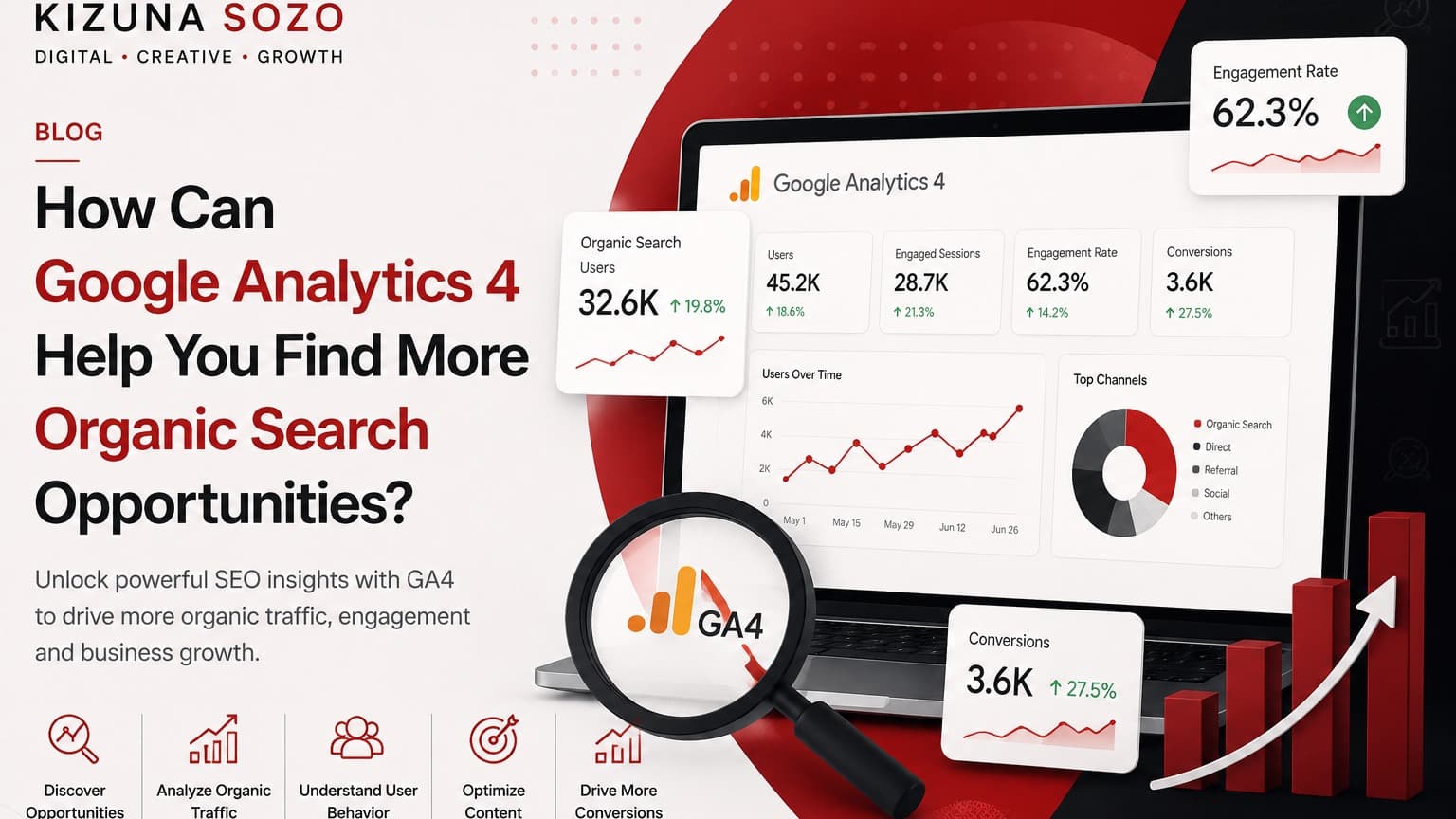
SEO is no longer only about rankings and traffic. As search behaviour evolves, businesses need to understand what happens after an organic visitor lands on their website. Google Analytics 4 (GA4) helps bridge that gap by showing how visitors engage with content, which pages contribute to business outcomes, and where optimisation opportunities may be hidden.
Understanding the Role of Google Analytics 4 in SEO
Google Analytics 4 is an event-based analytics platform that tracks interactions such as clicks, video engagement, downloads, scrolls and conversions. This gives SEO teams a deeper view of organic performance than rankings or pageviews alone.
A page can receive thousands of organic visitors and still contribute little to business growth. GA4 helps answer the more useful questions: Are visitors engaged? Which pages lead to enquiries? What content supports conversions? Which user journeys should be improved?
For example, an e-commerce website may discover that a product-comparison article receives less traffic than a category page but generates significantly more enquiries. That insight can shift SEO investment toward content that supports actual business goals.
1. Find High-Performing Organic Landing Pages
One of the strongest uses of GA4 is identifying landing pages that attract organic visitors and generate meaningful engagement.
- Landing-page performance
- Engagement rate
- Average engagement time
- Conversions and key events
- User journeys
If a guide is already attracting engaged visitors and generating leads, the smarter move may be to improve that existing asset instead of publishing unrelated new content. Updating statistics, adding FAQs, strengthening internal links and expanding useful sections can help the page capture additional search opportunities.
2. Discover Content Gaps Through User Behaviour
Keyword research can tell you what people search for, but GA4 can show what happens after they arrive. This behavioural layer can reveal what a page is missing.
For example, if visitors repeatedly land on a local SEO article but show weak engagement, the page may not be answering their practical questions. The next step could be adding:
- Real campaign examples
- Step-by-step implementation guidance
- Industry-specific recommendations
- Pricing or process information where relevant
- Clear conversion paths
The result is a better user experience and a stronger opportunity to target related search intent.
3. Connect Organic Traffic With Business Results
Traffic is only one part of SEO performance. GA4 makes it possible to connect organic activity with actions that matter to a business.
- Lead-form submissions
- Contact requests
- Phone or WhatsApp clicks
- Newsletter registrations
- Product enquiries
- Appointment or booking actions
A service business may find that one specific service page generates more enquiries than several high-traffic informational blogs. That insight can guide content creation, internal linking, on-page optimisation and authority-building around the topic that actually drives revenue.
4. Use GA4 to Improve Existing SEO Campaigns
Update declining pages
When engagement or conversions fall, investigate whether the content is outdated, search intent has changed, competitors have improved, or the page experience needs work.
Strengthen internal linking
User-journey data can reveal how visitors move through the website. High-performing pages can be connected more strategically to relevant service, product or conversion pages.
Identify valuable audience segments
Compare organic behaviour by device, location and other relevant dimensions. If mobile users show strong engagement but weak conversion, for example, the mobile experience may need attention.
5. Combine GA4 With Google Search Console
GA4 and Google Search Console answer different questions, and using them together creates a more complete SEO picture.
- Search Console: search queries, impressions, clicks, click-through rate and average position.
- GA4: engagement, conversions, content performance and user journeys.
For example, Search Console may show that a page receives many impressions for a query but has a weak click-through rate. GA4 can then help evaluate the behaviour of users who do click. Together, these insights can inform titles, descriptions, content structure, page experience and conversion elements.
6. Turn Analytics Insights Into a Content Growth Strategy
GA4 can help businesses build content clusters around topics that demonstrate commercial value. Suppose a B2B company discovers that an article about finance automation receives fewer visitors than its other blogs but generates the highest number of enquiries.
That insight can lead to supporting content such as:
- Finance-automation case studies
- Industry-specific automation guides
- Software comparison articles
- Implementation checklists
- Frequently asked questions
Over time, this creates a stronger topical ecosystem around a profitable subject instead of publishing content based purely on search volume.
7. Common Mistakes Businesses Make With GA4
Tracking visits without tracking conversions
Traffic growth is useful, but businesses should also measure whether visitors take meaningful actions.
Focusing only on traffic volume
A large audience does not automatically mean strong SEO performance. Engagement quality and conversion behaviour provide important context.
Not reviewing analytics regularly
Search trends, competitors and customer needs change. Regular analysis makes it easier to identify new opportunities and respond to performance changes.
Final Thoughts
Google Analytics 4 gives businesses a clearer picture of how organic visitors discover, engage with and move through a website. By analysing landing pages, engagement, conversions and user journeys, brands can identify SEO opportunities that are connected to real business outcomes.
At Kizuna Sōzō, we believe SEO should go beyond visibility. Our approach combines strategy, content, UX, analytics and performance thinking to help businesses turn digital attention into meaningful growth.
Frequently Asked Questions
Is Google Analytics 4 helpful for SEO?
Yes. GA4 helps businesses understand how organic visitors behave after arriving from search and which pages or actions contribute to meaningful outcomes.
Does GA4 provide keyword ranking data?
Not by itself. GA4 focuses on on-site behaviour and conversions. Google Search Console provides search-query, impressions, clicks and ranking information, making the two platforms useful together.
How often should a business review GA4 SEO data?
A regular review cycle—such as monthly analysis combined with checks after major traffic or conversion changes—can help identify emerging opportunities.
Does more organic traffic always mean better SEO?
No. The quality of traffic matters. A smaller volume of highly relevant visitors can generate more leads or revenue than a much larger but poorly matched audience.
How can GA4 help with content planning?
GA4 can show which content attracts engaged visitors and contributes to conversions. Those insights can be used to update existing pages and create related content around commercially valuable topics.
Want to turn your website data into a growth strategy?